Compressed Gas Cylinder Valve Adapter Campaign
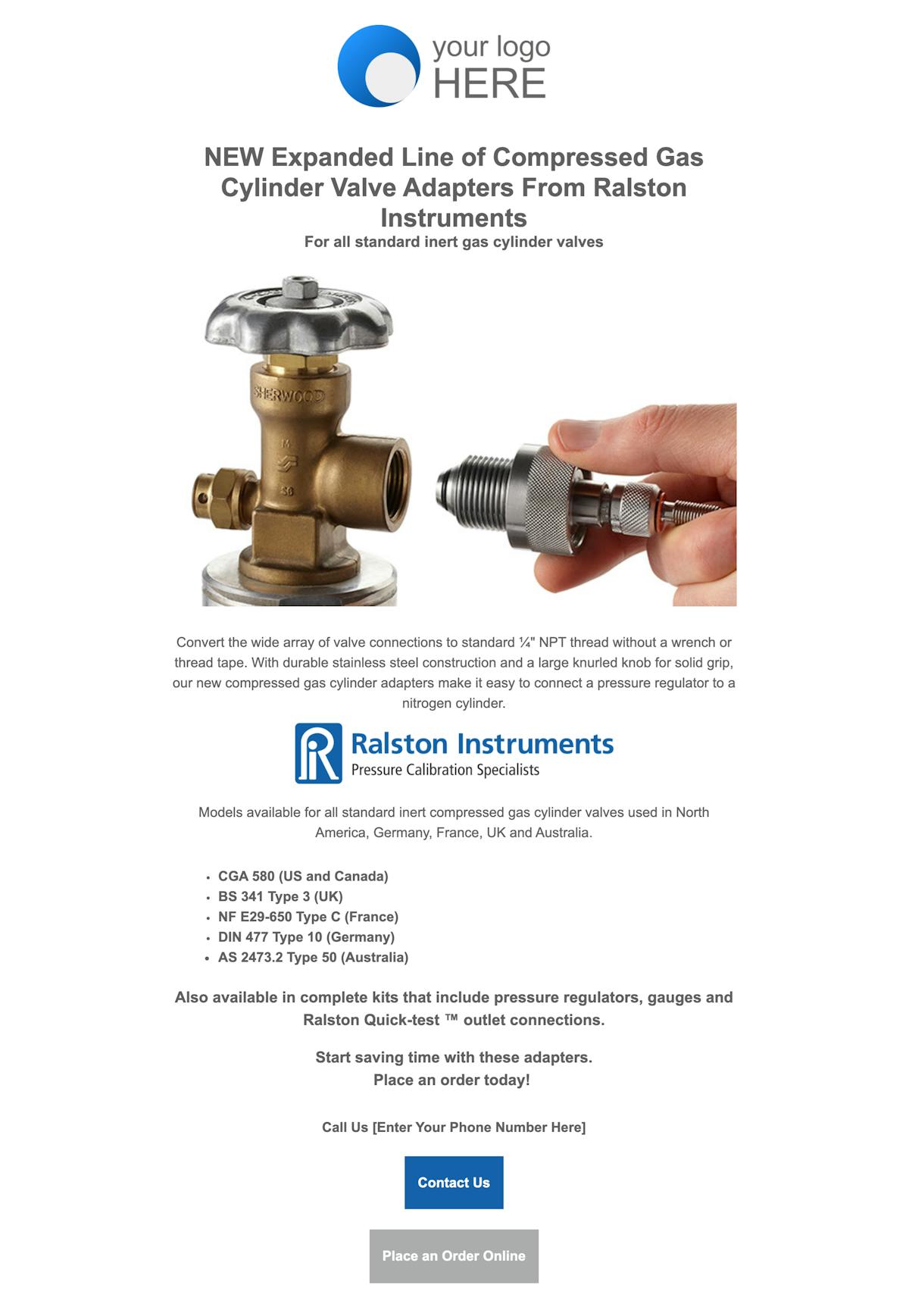
Let your customers know about the Ralston Quick-test™ Compressed Gas Cylinder Valve Adapters with a co-branded email.
- Download the template files for use with your ESP (MailChimp, Constant Contact, etc)
- Edit the email to add your logo, contact info, and link to your website.
- Email it out to your Customer email list
HTML Email Instructions
Note: In order to use this co-branded email you must have an email service provider (ESP). An ESP is the system you use to send mass emails to your list. Examples of common email service providers are Mailchimp, Constant Contact, Active Campaign, etc. An ESP is different from the service you use to send daily emails, such as Outlook, Gmail, or Yahoo. If you don’t have an ESP for sending marketing emails, this template will not work for you.
Step 1: Download the .zip file of the HTML template for use with your ESP and unzip it.
Step 2: Create a new email campaign in your ESP. Your ESP should have an option to import or copy/paste the HTML file. Import the HTML for the template into your new campaign.
Step 3: Edit the HTML to add your logo, contact info, and link to your website.
Step 4: Email it out to your Customer email list
NOTE: If any of this sounds overly complicated, give these template files to your marketing team or developer, who will be able to help you.
Preview of the Full Email
